One baby log for the whole household.
Write down feeds, diapers, temperature and notes. Your partner, a grandparent or your helper can do the same on their own phone.
Coming soon to the App Store and Google Play.
Support
A first look
Screens from the app as it is today, with sample data.
What you can log
-
Formula
In millilitres
-
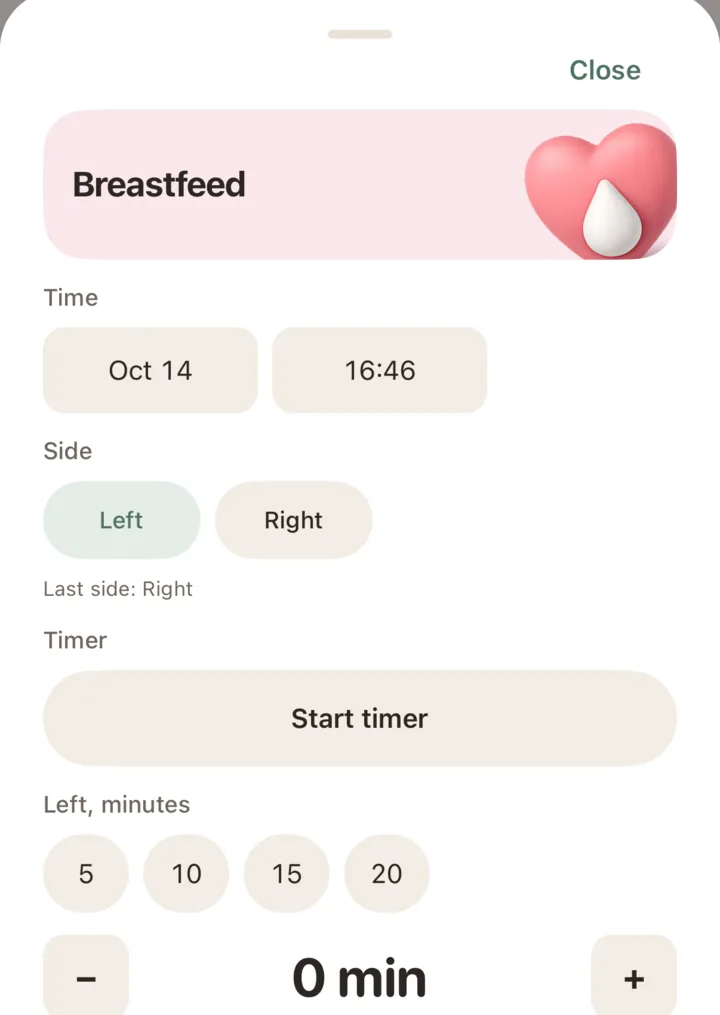
Breastfeed
Side and minutes

-
Bottled breast milk
In millilitres
-
Diaper
Pee, poo, or both

-
Temperature
In degrees Celsius
-
Note
A few words, or a photo

Log it later
If you log it later, set the time to when it happened.
Today at a glance
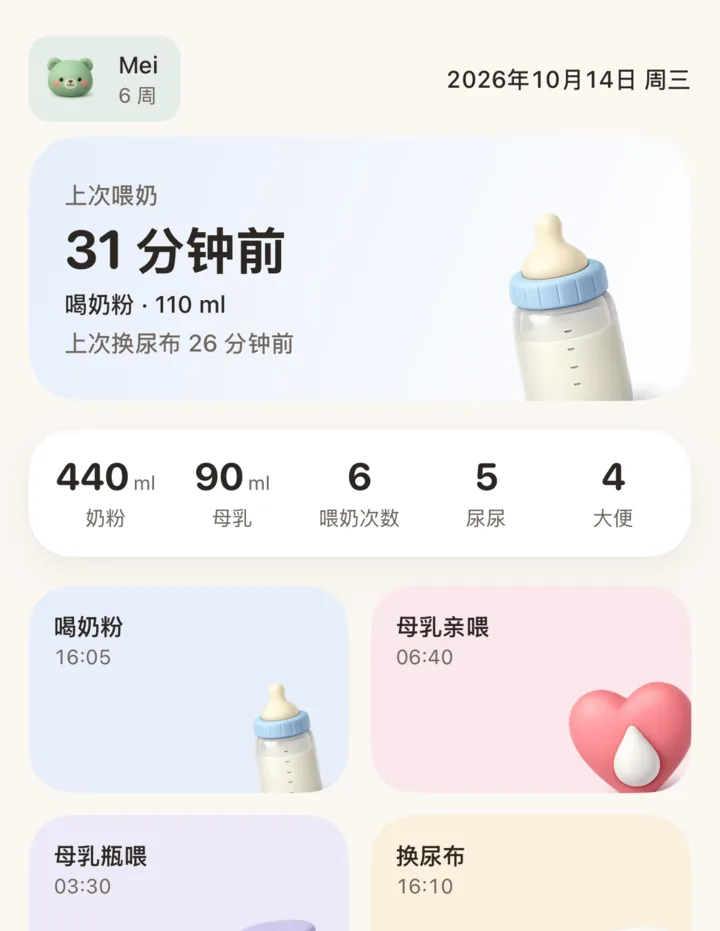
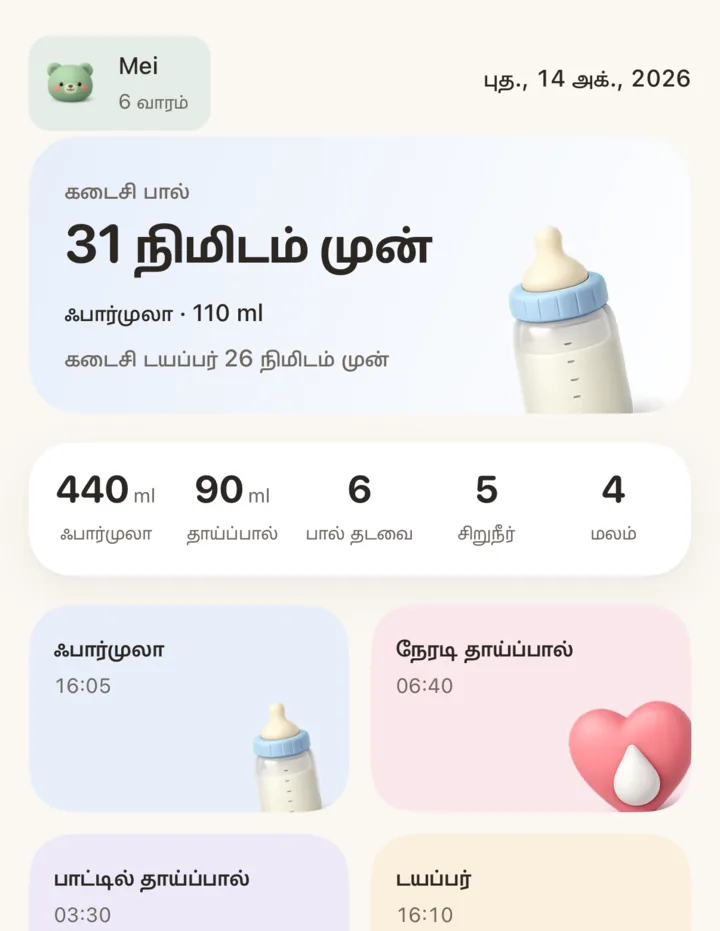
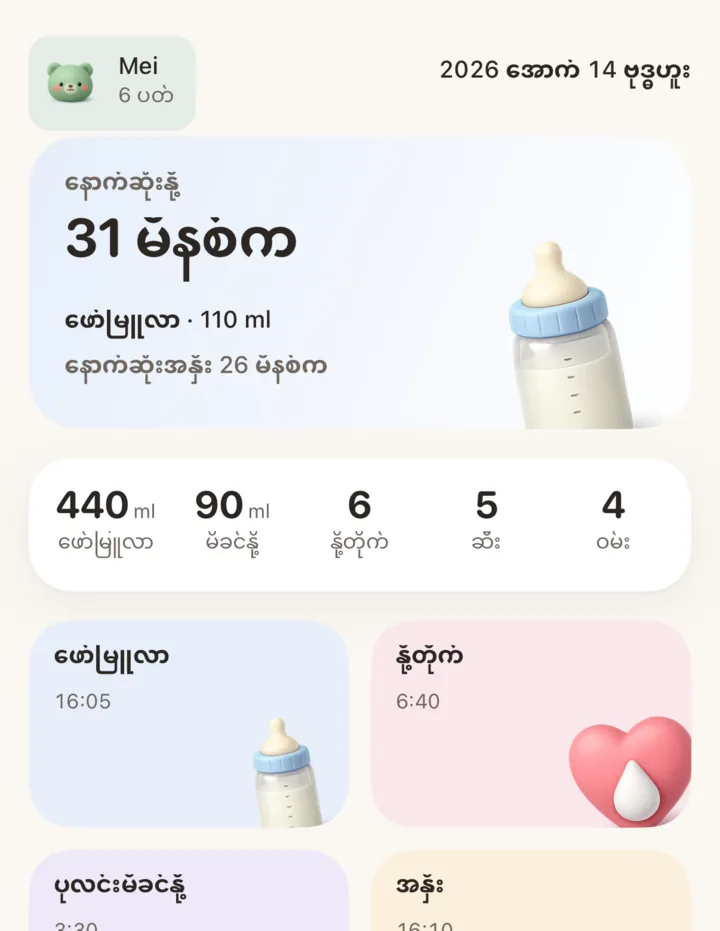
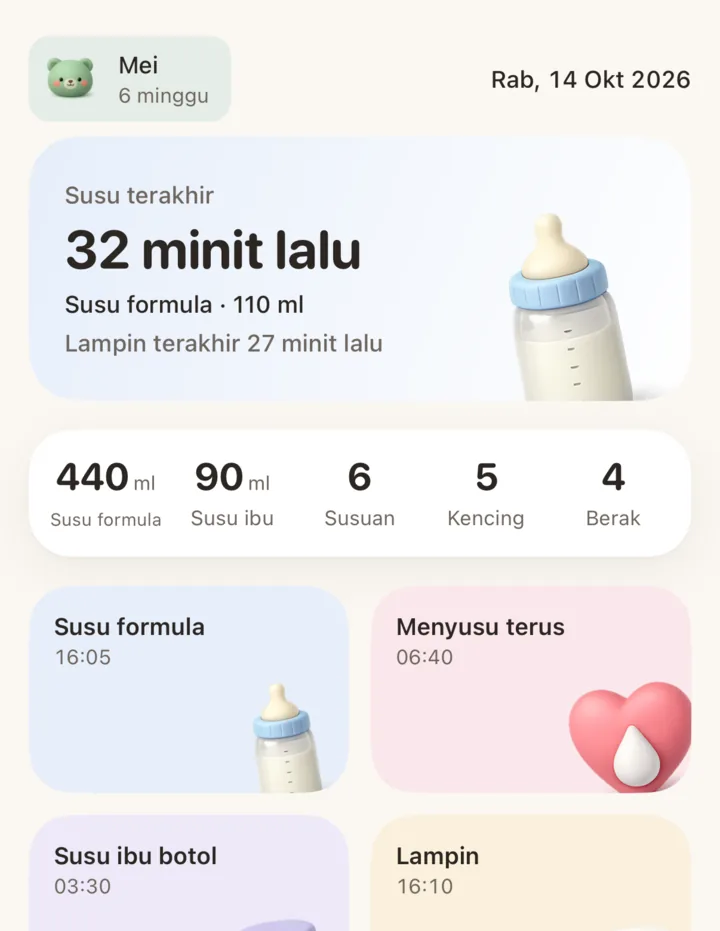
Today shows the last feed, the last diaper, and totals for formula, breast milk, feeds, pee and poo.
More than one child
Keep more than one child and switch between them.
The day in a table. Trends over the weeks.

The Day screen is a table, one row per hour. The columns follow the paper form many homes already use: poo, pee, formula, breastfeed, bottled milk, temperature and note.
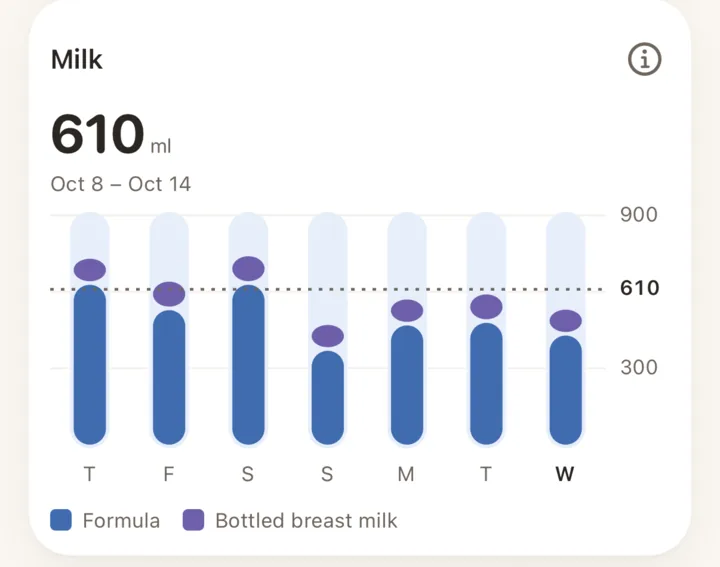
Trends cover 7, 14 or 30 days: milk, feeds, diapers, temperature, and the gap between feeds. They compare the child with that child's own earlier days. They do not judge health.
Share the log. Keep the roles clear.
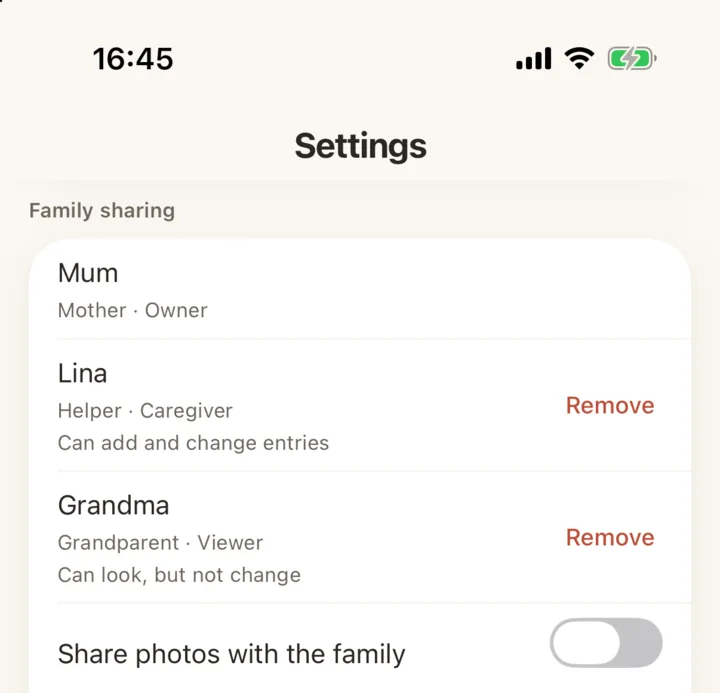
Start a family in Settings. Say who you are: Mum, Dad, Helper, Grandparent, or a word you type. Each entry shows who logged it.
A parent sends an invite as a code or a QR code. An invite works once and lasts 48 hours. A helper joins with a first name. No email, no password.
Each entry is saved on the phone first, so you can log with no signal. When the phone is online, the household copy updates.
What each person can do
- Parent
- Can do all, and can invite others.
- Caregiver
- Can add and change entries.
- Viewer
- Can look, but not change.


 Each child gets an avatar.
Seven languages. Pick one for the person on the next shift.
Each phone shows Minibao in its own language. The log stays the same on each phone.
- English
- 中文
- Bahasa Melayu
- தமிழ்
- Filipino
- Bahasa Indonesia
- မြန်မာ
Camera view: in development
Minibao will show a mains-powered Tapo camera on your home Wi-Fi. The guided setup is in the app today. Live playback is not ready. It arrives in a later update.
Battery and solar Tapo cameras do not work. Xiaomi cameras do not work. The camera password stays on your phone.


Your log is yours.
- Without family sharing, the log stays on your phone. We receive nothing.
- With family sharing on, our server keeps the log for your family and nobody else.
- No advertisements. No sale of personal data. No advertising profile.
- Camera video, camera passwords and camera addresses never leave your phone.
Coming soon to the App Store and Google Play
Minibao is not in the stores yet. There is no waitlist and no sign-up. Come back here, or write to us.
support@minibao.app